

Single image to 3D
Turn images directly into high-precision 3D models with accurate structure, faithful texture, and production-ready tools.

Drop or click to upload and generate your 3D model

Built on multi-model 3D generation pipelines
Clean mesh, usable geometry, high detail
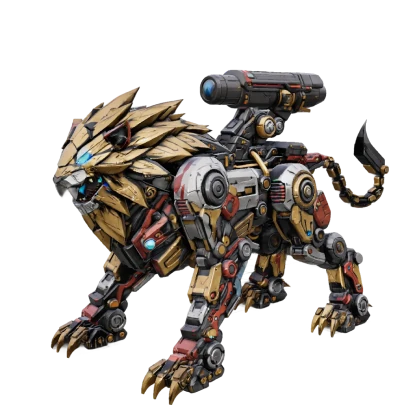
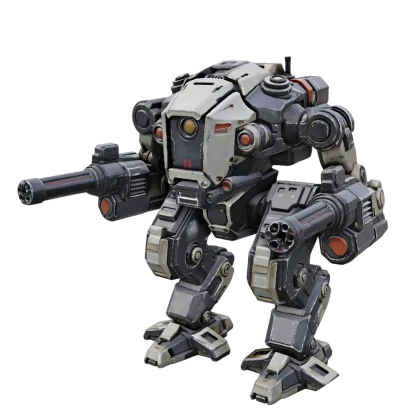
Go beyond the visible surface, rebuild hidden structure, and deliver complete production-ready 3D models.
Detect and remove baked lighting and shadows to create clean textures ready for relighting, rendering, and real production.
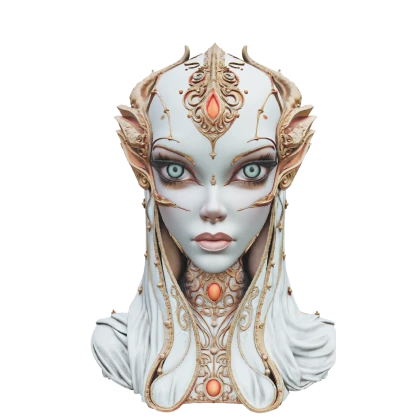
Refine hair, skin, and tiny surface details around true facial structure, with 1536³ Pro resolution for print-ready portrait 3D.

Turn images directly into high-precision 3D models with accurate structure, faithful texture, relief, and segmentation tools.
Turn images directly into high-precision 3D models with accurate structure, faithful texture, and production-ready tools.
Drop or click to upload and generate your 3D model
Beta: apply high-resolution, PBR-ready textures to generated or uploaded 3D models for production-minded material candidates.


Beta: generate layered 3D relief model candidates from images for printing and physical creation previews.
 3D Relief

Beta: split models into clearer part and color-block candidates for multi-color printing, material regions, and edits.


A complete delivery path for 3D assets
Private, commercial, and team controls unlock when the project needs them.
Iterate around the same input without slowing down the review loop.
Export GLB, OBJ, STL, and USDZ for real production workflows.
Move from upload to generation, history, and download with fewer steps.
From 3D printing to game design, see where Marble fits into the workflow.
Use cases
Preserve face structure, silhouette, and detail for character drafts.
Create 3D Free
The homepage builds intent; the workspace handles action. Upload, preview, generate, history, and download stay in one place.
"The upload-to-workspace path makes it easy to test a reference before deeper cleanup."
"It is strongest when we need a reviewable 3D direction from a single concept image."
"GLB export keeps the handoff simple for web, presentation, and early product reviews."
"The result is useful enough for concept-stage iteration without opening a full DCC stack."
Use the browser workspace, export formats, and reusable generation endpoints to connect image-to-3D with creative, game, and product workflows.
Use real examples, workflow discussion, and model reviews to decide faster whether an image should become a 3D asset.
Marble turns 2D images into reviewable, exportable 3D model candidates for games, product visuals, character drafts, AR, and 3D-printing exploration.
No. You can enter the workspace, choose parameters, and upload a preview first. Sign in is requested when you generate, save, download, or create private assets.
The workflow is organized around common formats such as GLB, OBJ, STL, and USDZ for Blender, Unity, Unreal, web 3D, and printing flows.
Free users can test public, lower-priority generation. Private assets, higher credits, priority queues, HD output, and batch workflows are upgrade levers.